01 / CREATEStart with an image.
Start with an image.
Or just an idea.
Import a photo or sketch, or describe a tattoo concept and let AI create a starting point.
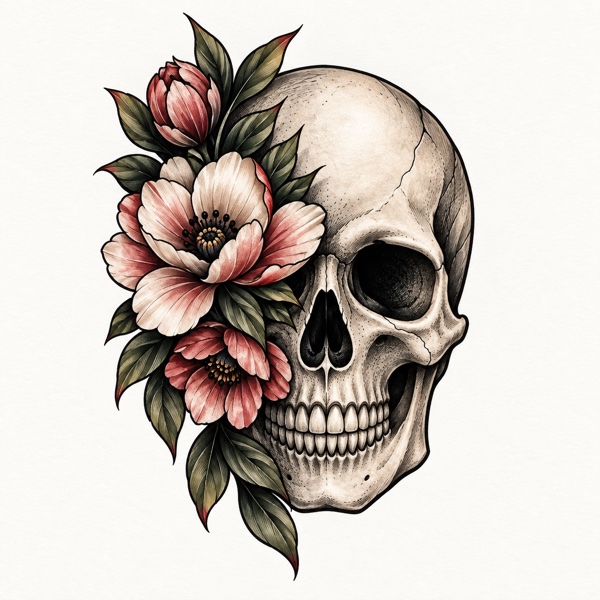
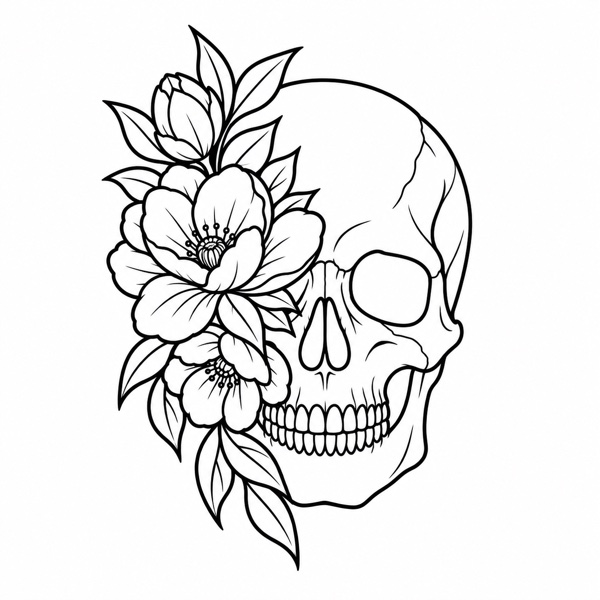
STENCRA — THE TATTOO STENCIL STUDIO
Great tattoos start with a clear vision.
Turn yours into a stencil that’s ready
for the next step.
INSPIRATION STARTS HEREOUTLINE / CLEAN CONTOURSBUILT AROUND YOUR PROCESS
Keep your reference, your refinements, and your final stencil together. Stencra gives every step its own space.
Import a photo or sketch, or describe a tattoo concept and let AI create a starting point.
Dial in line weight, contrast, detail, and cleanup. Compare changes and undo until it feels right.
Precise controls. On-device processing.
Try the stencil on a body photo, adjust its position, then prepare the original artwork for export or print.
Save favorites, organize folders, and return to your work. Sign in with Apple for private cloud backup.
ONE REFERENCE. SIX DIRECTIONS.
From clean contours to textured shading.
Choose the output that fits the design.
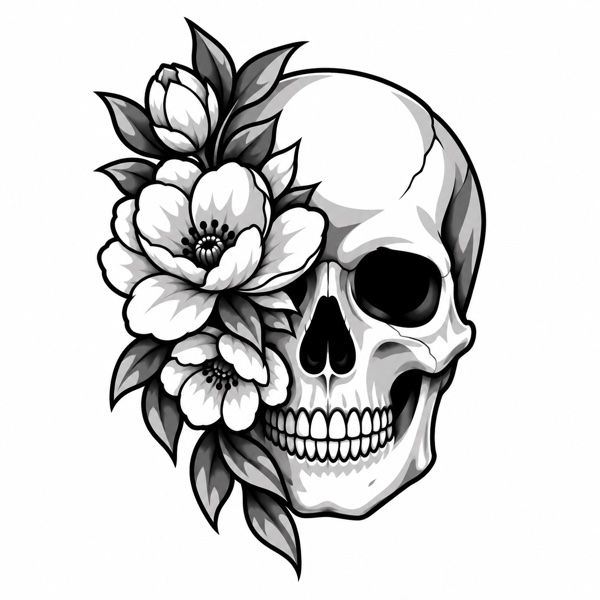
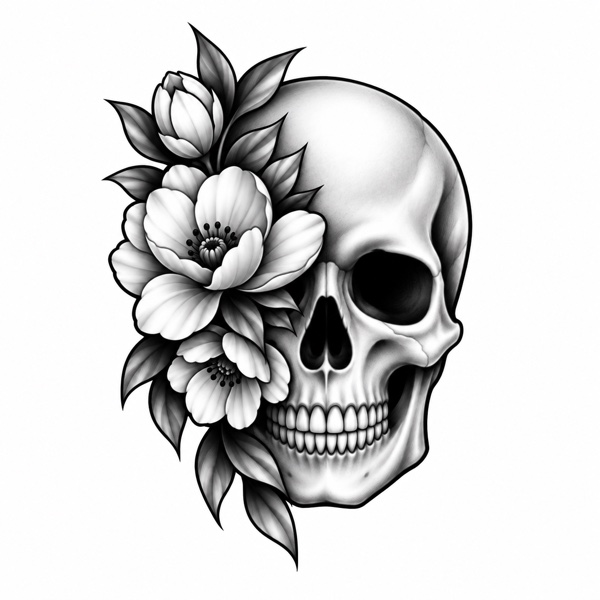
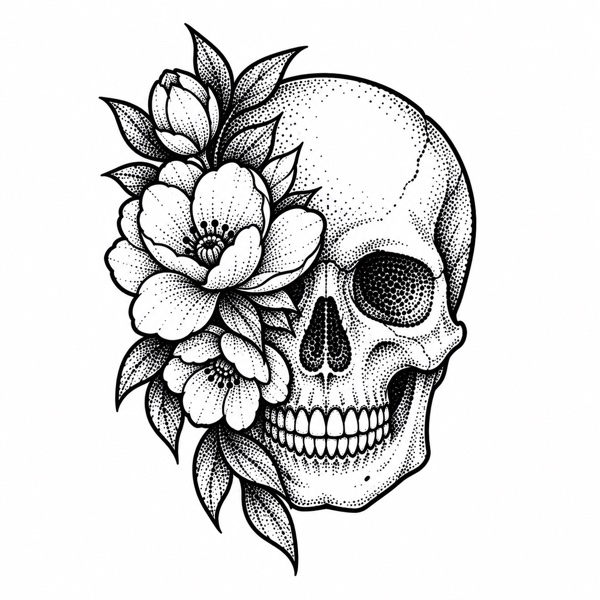
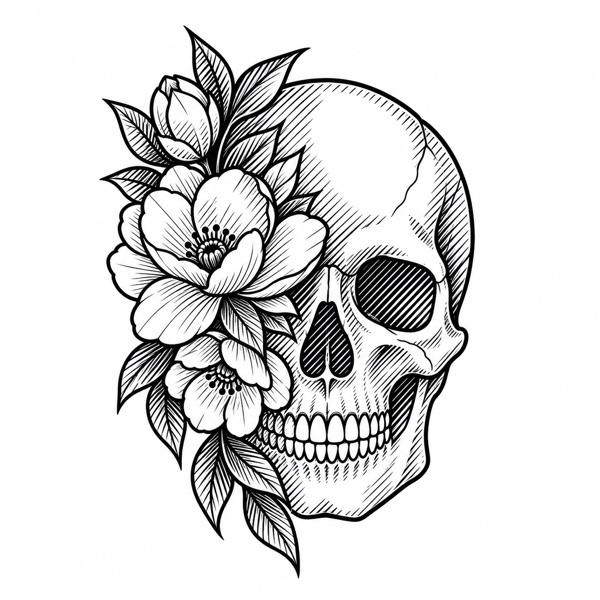
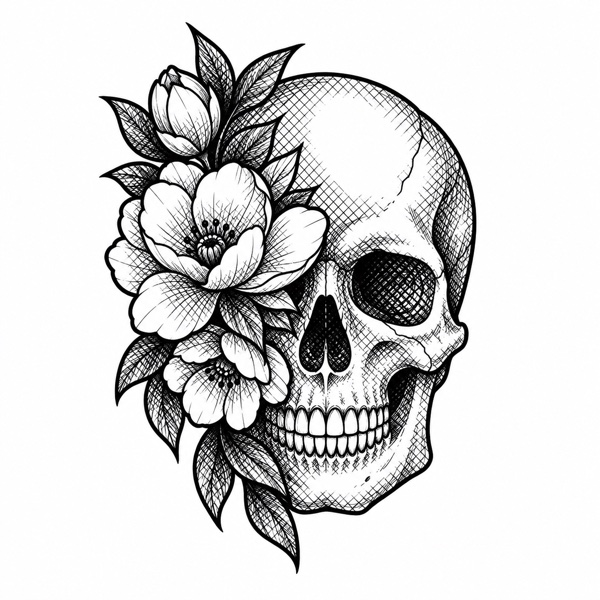
Example artwork from Stencra. Your results depend on the reference and settings.
FROM INSPIRATION TO OUTPUT
Your creative decisions.
A workflow that keeps up.
Choose a reference from Photos, Camera, or Files. Or use Describe to explore an AI-generated concept.
Pick a stencil output. Adjust the lines, remove distracting noise, and check the details at full size.
Save to your library, preview placement, set physical dimensions, and export or prepare print pages.
THE STENCRA JOURNAL
A practical guide to choosing a reference, finding clean contours, and refining a photo into a tattoo stencil in Stencra.
Read the guideCompare Stencra’s six tattoo stencil outputs: Outline, Tonal, Shading, Dotwork, Hatching, and Crosshatch, with practical tips for choosing between them.
Read the guideSet tattoo stencil dimensions, choose a paper layout, avoid unintended print scaling, and check mirroring with this Stencra printing guide.
Read the guideA FEW THINGS TO KNOW
Stencra is a tattoo stencil app for turning references into Outline, Tonal, Shading, Dotwork, Hatching, or Crosshatch outputs. You can refine the artwork, organize a library, preview body placement, and prepare exports or print pages.
You can work with imported images and keep a local library as a guest. Sign in with Apple enables cloud backup and AI Describe. Local guest artwork cannot be recovered from Stencra after the app is deleted, so export work you want to keep.
Image conversion and refinement run on your device. Signing in enables private backup of your stencil library and references. AI Describe sends your text prompt to the generation service. Body-preview photos and mockups stay local unless you choose to export or share them. See our Privacy Policy for usage counts and other data.
Yes. Set dimensions in cm, mm, or inches, choose paper size, and export a print-size PDF or prepare print pages. Verify your printer’s scaling and measure a test print before use. A compatible printer and appropriate paper are needed; Stencra does not include printing hardware.
Download Stencra for iPhone and iPad from the App Store. Some features require Stencra Pro; current prices and subscription terms are shown in the app before you purchase.
MADE FOR YOUR NEXT IDEA
Your tattoo stencil studio for iPhone and iPad.